
Are you searching for the perfect 3D printer? The Creality K2 and Creality K2 Pro are two standout models in Creality’s latest lineup, offering high-speed printing, multicolor capabilities, and advanced features. In this Creality K2 vs K2 Pro comparison, we’ll break down the key differences to help you decide which one suits your needs—whether you’re a beginner hobbyist or a professional designer. Both printers support Creality’s CFS multicolor system, but the Pro steps up for engineering materials and larger projects.
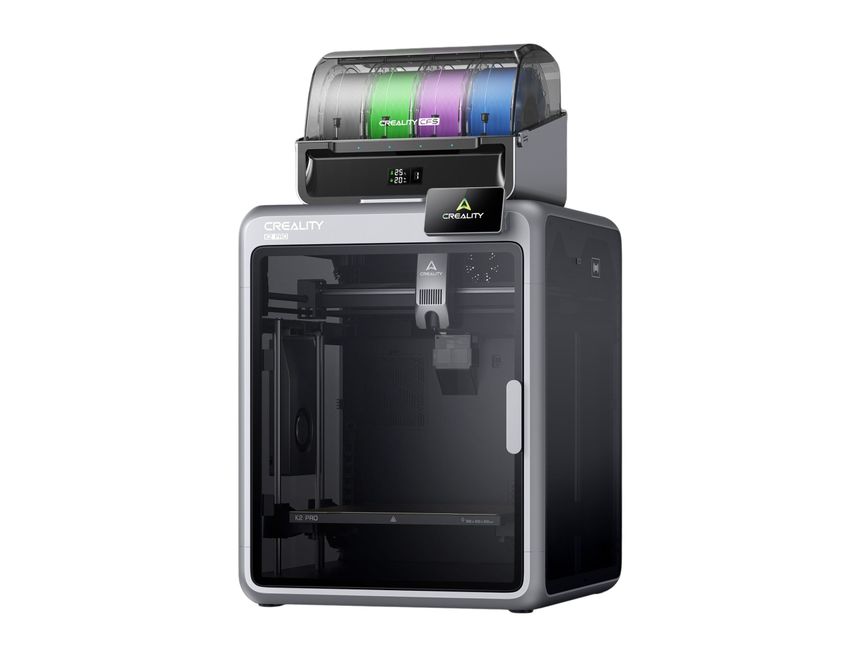
Creality K2 Pro Combo 3D Printer
This guide covers specs, performance, and more to optimize your 3D printing experience.
Build Volume: Size Matters for Your Projects
One of the most noticeable differences between the Creality K2 and K2 Pro is the build volume. The standard Creality K2 offers a 260 x 260 x 260 mm print area, ideal for small to medium models like toys, prototypes, or home decor items. In contrast, the Creality K2 Pro expands to 300 x 300 x 300 mm, providing about 50% more space for larger prints or batch production. This makes the Pro better for ambitious creators tackling oversized designs without splitting models.
Physically, the K2 is more compact at 404 x 436 x 545 mm and weighs 18.3 kg, fitting easily on a desk. The K2 Pro is larger (445 x 477 x 573 mm) and heavier (23.7 kg), offering greater stability but requiring more room. If space is a concern, the K2 wins for portability.
Chamber Heating: Enhanced Material Compatibility
A game-changer in the Creality K2 Pro vs K2 debate is the active chamber heating. The base K2 relies on a passive enclosure, which works for basic filaments like PLA and PETG but struggles with warping in ABS or composites. The K2 Pro features active heating up to 60°C, reducing defects and enabling reliable printing with advanced materials like ABS, ASA, PA-CF, and PPA-CF.
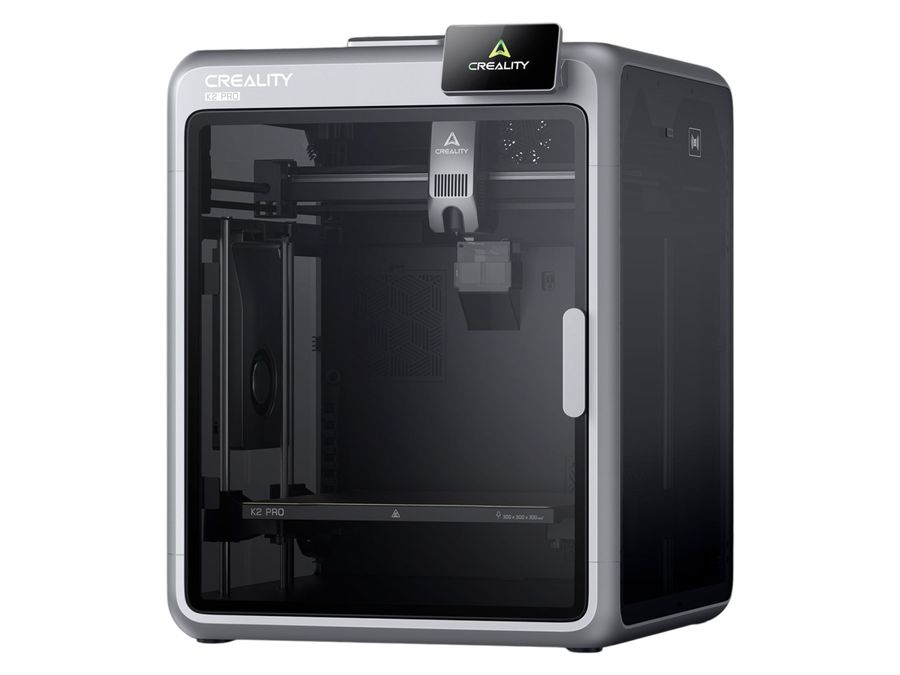
Creality K2 Pro High Speed Multi-Color 3D Printer | MatterHackers
Bed temperatures also differ: The K2 reaches 100°C, while the Pro hits 110°C for better adhesion on demanding filaments. Both share a 300°C nozzle max and 600 mm/s print speed with 20,000 mm/s² acceleration, ensuring fast, high-quality outputs.
AI Features and Connectivity: Smarter Printing
Creality equips both with AI cameras for monitoring, but the K2 Pro upgrades to dual cameras, including one for precise flow calibration and failure detection. This minimizes errors during long prints. Storage is another perk: The K2 has 8GB, but the Pro boasts 32GB for more files and timelapses.
Connectivity-wise, both offer Wi-Fi, but the K2 Pro adds Ethernet for stable, high-speed transfers—perfect for print farms or networked setups. These enhancements make the Pro more user-friendly for professionals.
Price and Target Users: Value for Money
Pricing reflects the upgrades. The Creality K2 Combo starts around $549–$699, making it budget-friendly for beginners and personal use. The K2 Pro Combo ranges from around R24000, targeting enthusiasts and designers needing reliability for engineering tasks.
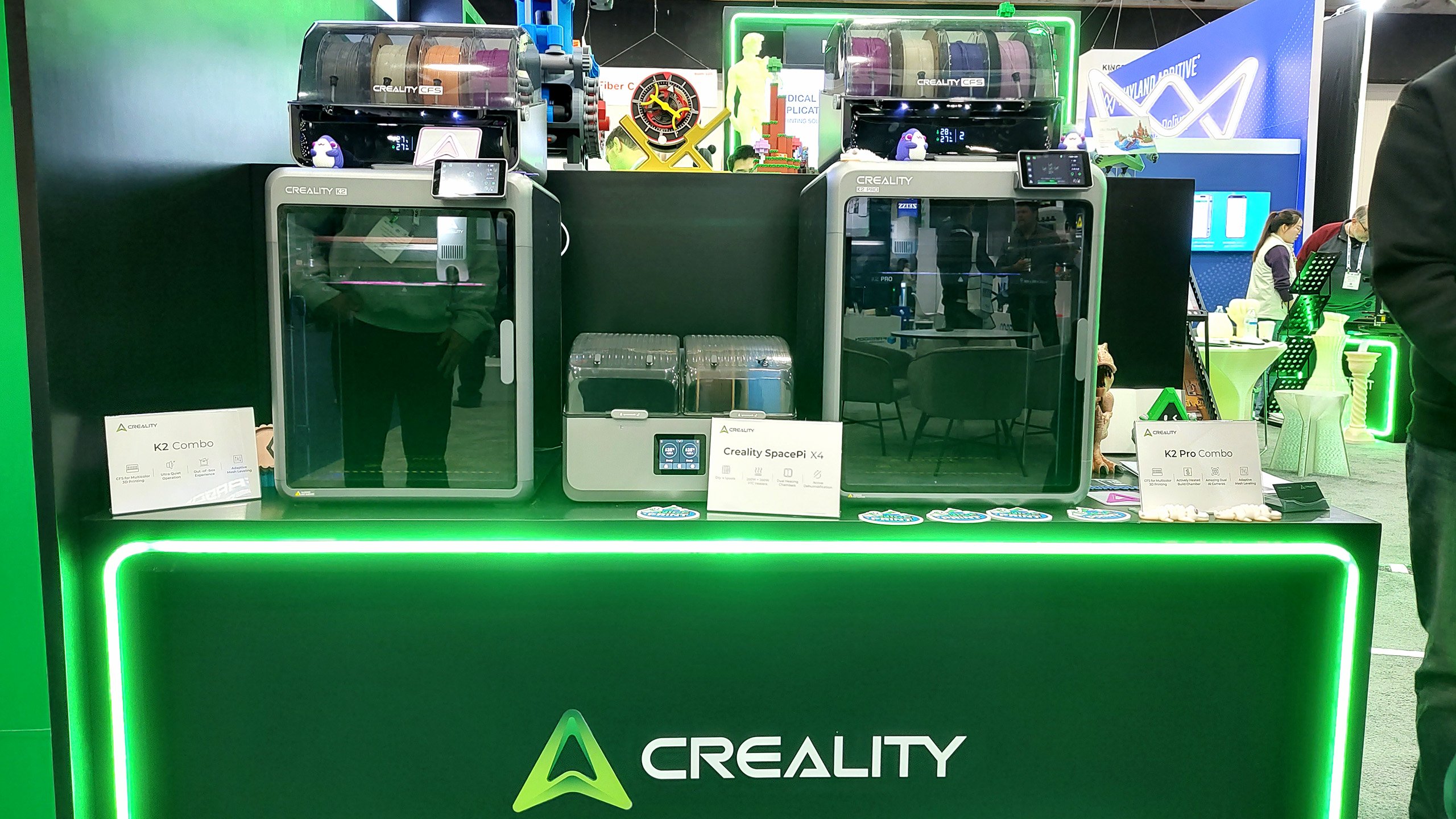
Creality Reveals K2 & K2 Pro 3D Printers at Rapid + TCT | All3DP
In summary, choose the Creality K2 for affordable, compact multicolor printing with basics like PLA and ABS. Opt for the K2 Pro if you want larger builds, heated chamber support for composites, and pro-level features. Both excel in speed and quality, but the Pro’s extras justify the cost for serious users. For more on Creality 3D printers, check our reviews!