
Venturing into the world of 3D scanning can be transformative for hobbyists, educators, engineers, and businesses alike. Whether you’re reverse engineering parts, creating digital twins for prototypes, or preserving artifacts, understanding the essentials is key. This comprehensive 3D scanner buying guide outlines everything you need to know before making a purchase in 2026. We’ll cover types, key features, the critical role of computers in processing, reverse engineering insights, and practical tips to ensure you choose the right device. Creality’s CR-Scan series, including popular models like the CR-Scan Ferret Pro, CR-Scan Otter, CR-Scan Raptor, and CR-Scan Lizard, offers excellent entry-to-mid-range options with strong value and integration into their 3D printing ecosystem.
3D scanners capture the geometry and often the color of physical objects, converting them into digital 3D models. These models, typically in formats like STL or OBJ, can be edited, analyzed, or 3D printed. Popular brands like Creality, Revopoint, and Artec offer options from budget-friendly handheld units to industrial-grade systems. Prices range from $200 for entry-level devices to $50,000+ for professional metrology tools. Before buying, assess your needs: Are you scanning small jewelry or medium-sized parts? Do you need high accuracy for manufacturing or basic models for art?
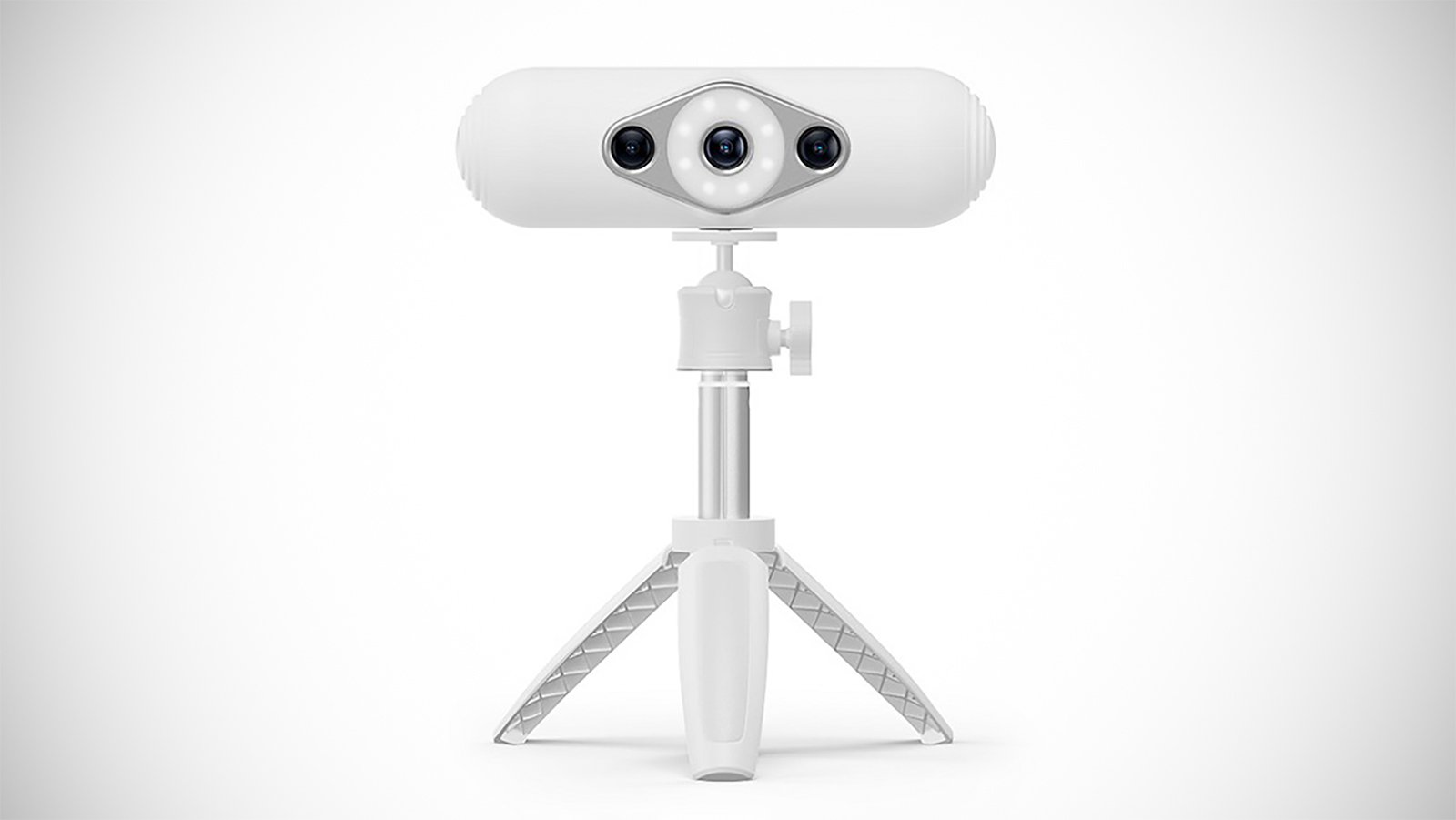
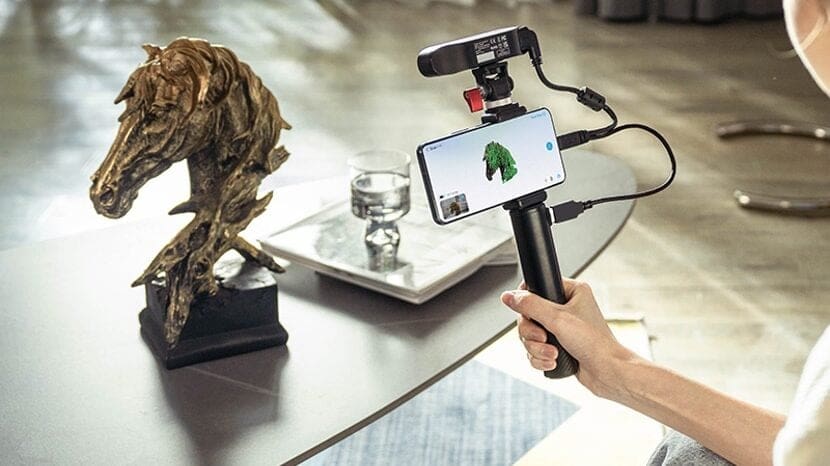
Understanding 3D Scanners: Types and How They Work
3D scanners vary by technology, each suited to different applications. Here’s an overview:
Laser Scanners
These use laser triangulation, projecting a laser line or dot onto the object and capturing its deformation with a camera. They’re accurate (down to 0.01mm) and work well on reflective or dark surfaces with scanning spray. Creality’s CR-Scan Raptor uses hybrid blue laser and NIR (near-infrared) for metrology-grade precision.
Pros: High precision, portable. Cons: Slower for large areas, sensitive to ambient light.


Structured Light Scanners
Projecting patterns of light (often blue or white LED) onto the object, these calculate depth from pattern distortions. They’re fast and capture color/texture well, ideal for detailed scans. Many Creality models, like the CR-Scan Otter and CR-Scan Ferret Pro, employ NIR structured light for eye-safe, versatile scanning.
Pros: Excellent resolution (up to 0.05mm), safe for eyes. Cons: Struggle with shiny or transparent materials without preparation.

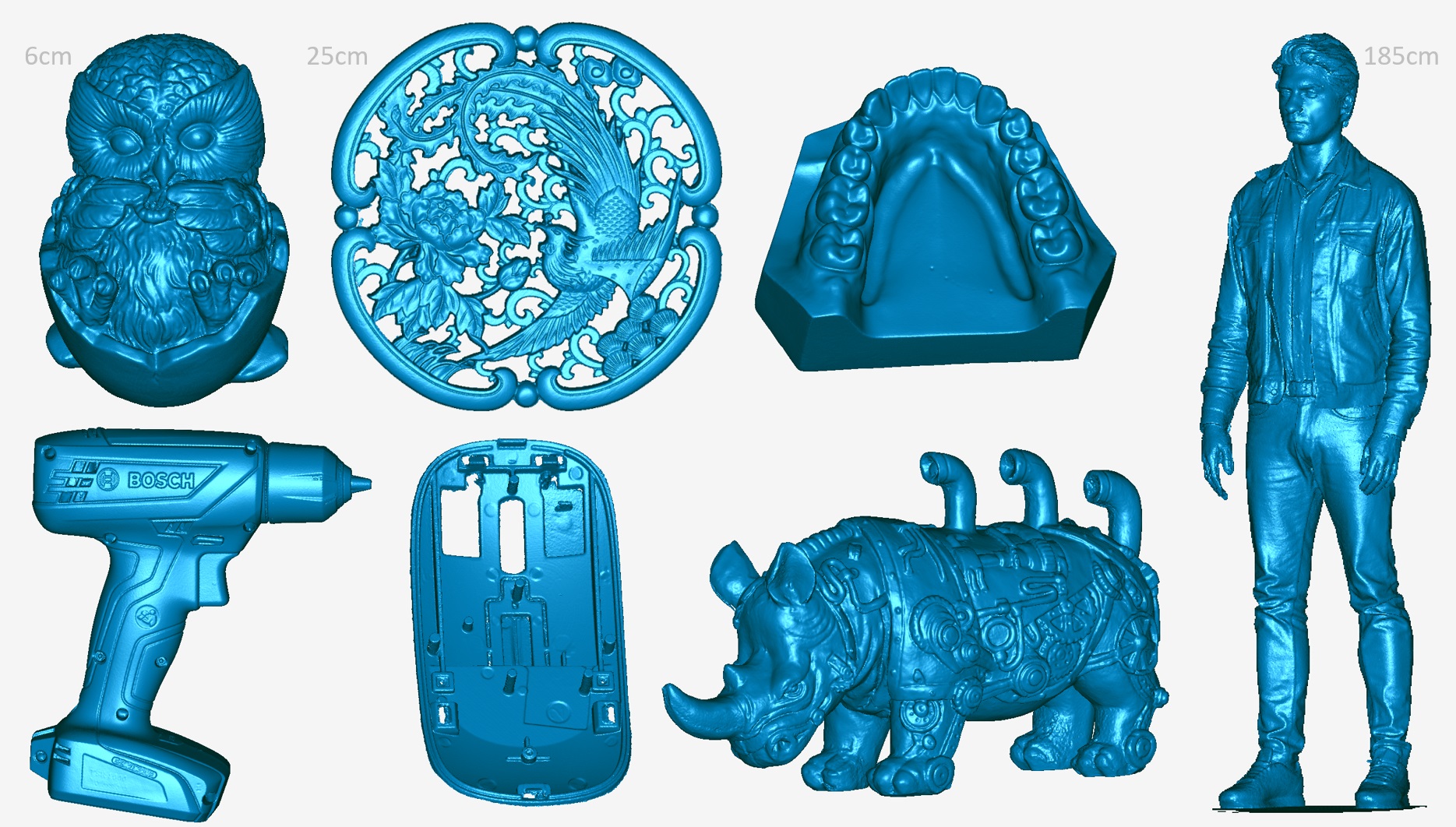
Photogrammetry Scanners
Using multiple photos from cameras or smartphones, software reconstructs 3D models via algorithms. Affordable and versatile for large objects.
Pros: Low cost, captures textures. Cons: Requires good lighting, less accurate (0.1-0.5mm), heavy processing.
Other Types
- Contact Scanners (CMM Arms): Probe-based for ultra-precision but slow.
- LiDAR Scanners: Time-of-flight tech for large-scale environments.
How they work: Scanners emit light/lasers, capture reflections, and generate point clouds (millions of 3D points). Software aligns these into meshes.
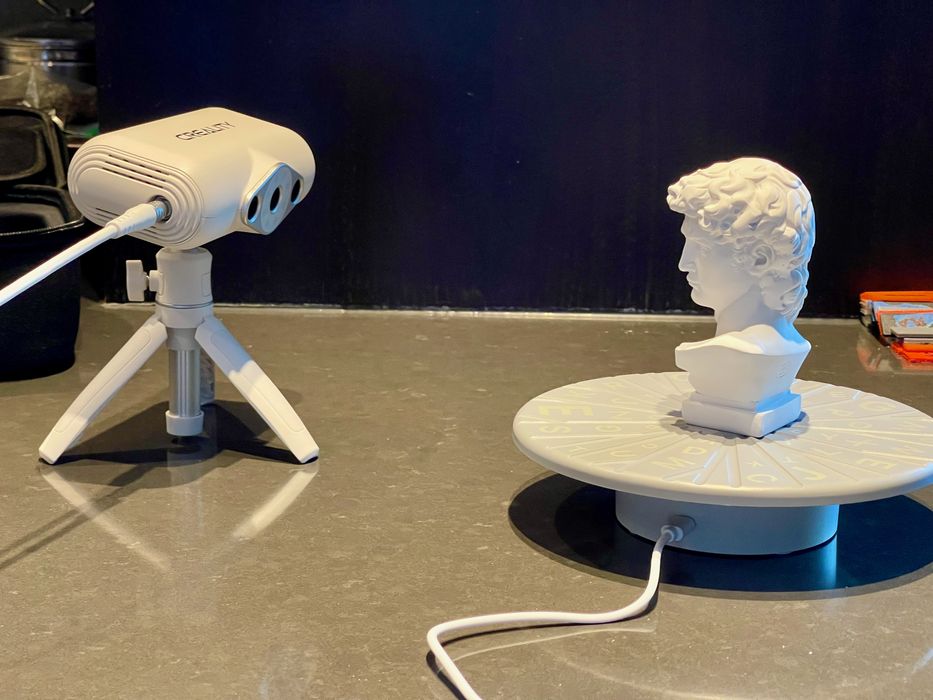
Hands On With The Creality CR-SCAN Lizard, Part 2 « Fabbaloo
Key Factors to Consider Before Buying a 3D Scanner
Don’t rush—evaluate these specs based on your projects.
- Accuracy and Resolution: Accuracy (how close to real dimensions) vs. resolution (detail level). For jewelry, aim for 0.01-0.05mm; for medium parts, 0.1mm suffices. Creality’s CR-Scan Raptor offers up to 0.02mm accuracy in laser mode.
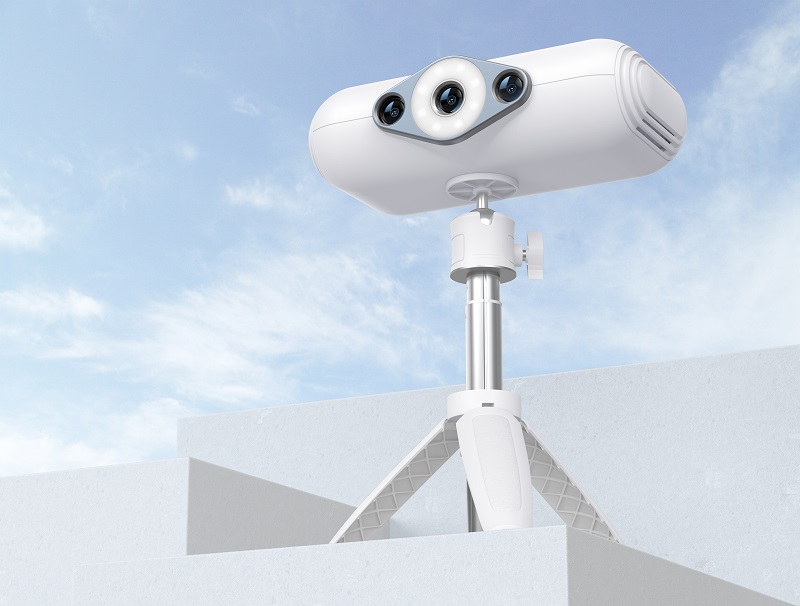
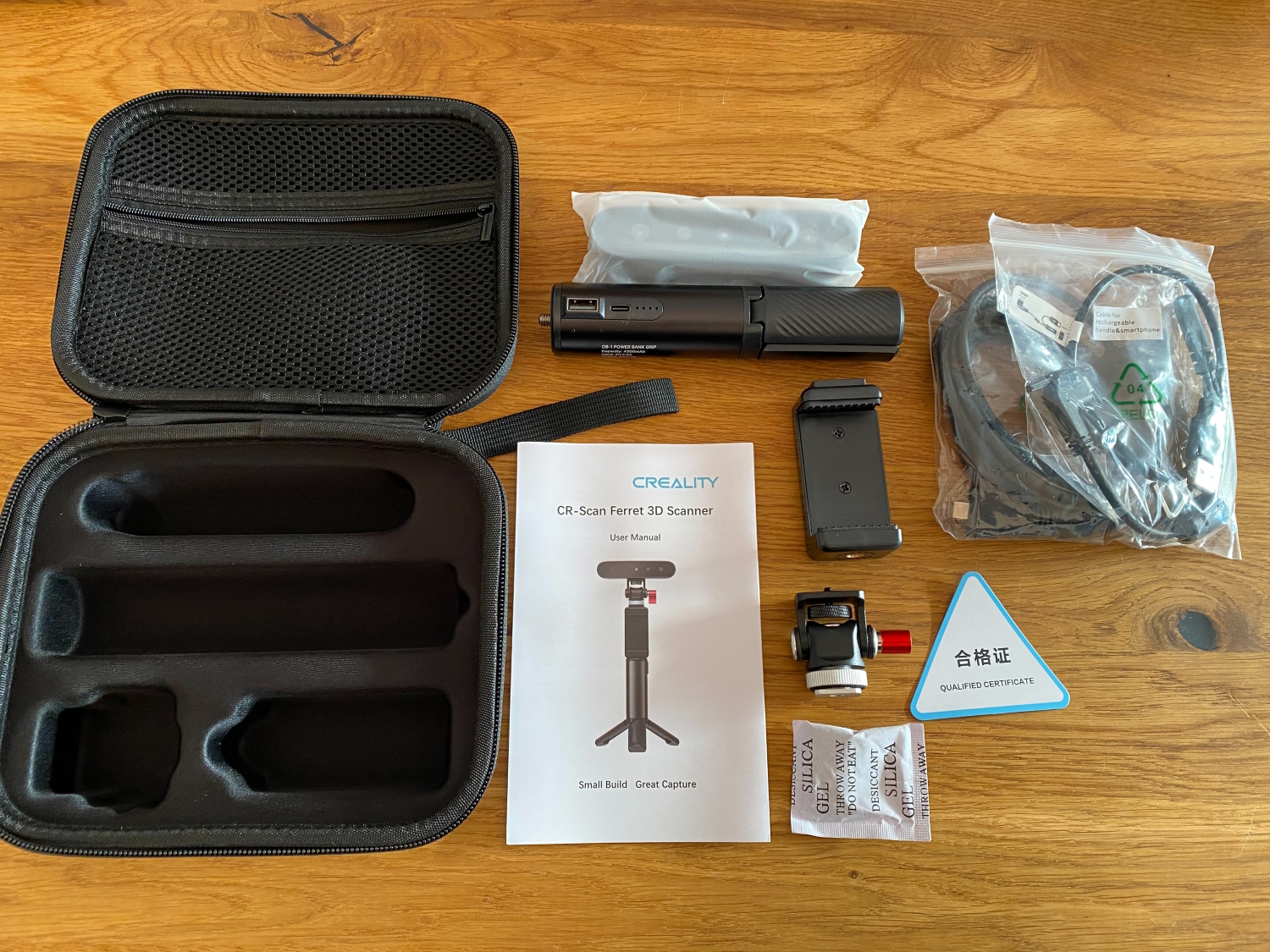
- Scan Speed and Volume: Handheld for portability (e.g., Creality CR-Scan Ferret Pro: lightweight at 105g with anti-shake); stationary for precision. Consider field of view (FOV) for object size.
- Surface Compatibility: Shiny/reflective? Use scanning spray. Transparent? Opt for laser models like Creality’s Raptor.
- Portability and Ease of Use: Wireless models like Creality CR-Scan Ferret Pro or Otter are user-friendly.
- Color and Texture Capture: Essential for art or AR/VR—many Creality scanners include full-color modes.
- Budget: Entry-level ($200-500), mid-range ($500-2,000), pro ($2,000+). Creality models like Otter (~$900) provide great mid-range value.
- Software and Compatibility: Bundled software matters—Creality Scan integrates well with their slicers.
Here’s a comparison table featuring Creality examples:
| Factor | Entry-Level (e.g., Creality CR-Scan Ferret Pro) | Mid-Range (e.g., Creality CR-Scan Otter) | Professional (e.g., Creality CR-Scan Raptor) |
|---|---|---|---|
| Accuracy | 0.1mm | Up to 0.02mm | Up to 0.02mm (laser mode) |
| Speed | 20-30fps | Up to 20fps | Up to 60fps (hybrid) |
| Price | ~$350-450 | ~$900 | ~$1,100-2,000 |
| Best For | Hobbyists, portable scans | Medium/large objects, color | Precision RE, engineering |
| Drawbacks | Basic detail | Needs PC power | Higher cost |

Why PCs and Laptops Are Crucial for 3D Scanning
3D scanners collect raw data, but the heavy lifting happens on your computer. Point clouds can contain millions of points, requiring robust processing to align, clean, and mesh them into usable models.
- Processing Demands: Software like Creality Scan, Artec Studio, or MeshLab uses CPU/GPU for registration and meshing. Without a powerful PC, scans fail or take hours—especially with detailed Creality models like the Otter or Raptor.
- Recommended Specs: Intel i7/Ryzen 7+ CPU, 16-32GB RAM, NVIDIA RTX GPU (for CUDA acceleration), SSD storage. Laptops like Dell XPS or gaming rigs excel.
- Why Important?: Most Creality scanners (e.g., Ferret Pro, Otter) rely on connected PCs for full processing—onboard features handle basics, but complex tasks like noise reduction need desktop power. Poor hardware leads to crashes or inaccurate models.
- Alternatives: Some high-end models have onboard processing, but cloud options require uploads.
Review: Creality CR Scan Ferret 3D Scanner – SainSmart.com
Reverse Engineering with 3D Scanners: Key Insights
Reverse engineering recreates CAD models from scans for redesign, replication, or analysis. Creality’s Raptor excels here with metrology-grade accuracy.
Steps
- Scan the Object: Capture point cloud/mesh.
- Data Processing: Clean noise, align, fill holes in software.
- CAD Conversion: Fit primitives in SolidWorks, FreeCAD, or Geomagic.
- Validation: Compare deviations.
Important Software
- Free/Open-Source: FreeCAD, Blender—for beginners.
- Professional: Geomagic Design X—for precision.
Why Understand It?
Before buying, know if your scanner supports RE. Creality’s laser/hybrid models like Raptor are ideal for mechanical parts; avoid basic ones like older Lizard for tight tolerances.

Creaform 3D Scanner Product Comparison for 2024
Practical Tips Before Purchasing
- Define Use Case: Hobby? Creality Ferret Pro. Industrial? Raptor or Sermoon series.
- Test and Reviews: Check 2026 guides; Creality’s ecosystem shines for 3D printing users.
- Accessories: Turntables, sprays, stands.
- Warranty/Support: Creality offers solid community and 1-year warranty.
- Future-Proof: Look for AI/anti-shake features in newer models.
Conclusion: Make an Informed 3D Scanner Purchase
Armed with this 3D scanner buying guide, you’re ready to select a device that fits your needs. Prioritize accuracy, computer compatibility, and RE capabilities for long-term value. Explore Creality’s CR-Scan series on our site—start scanning and unlock creativity in 2026!